
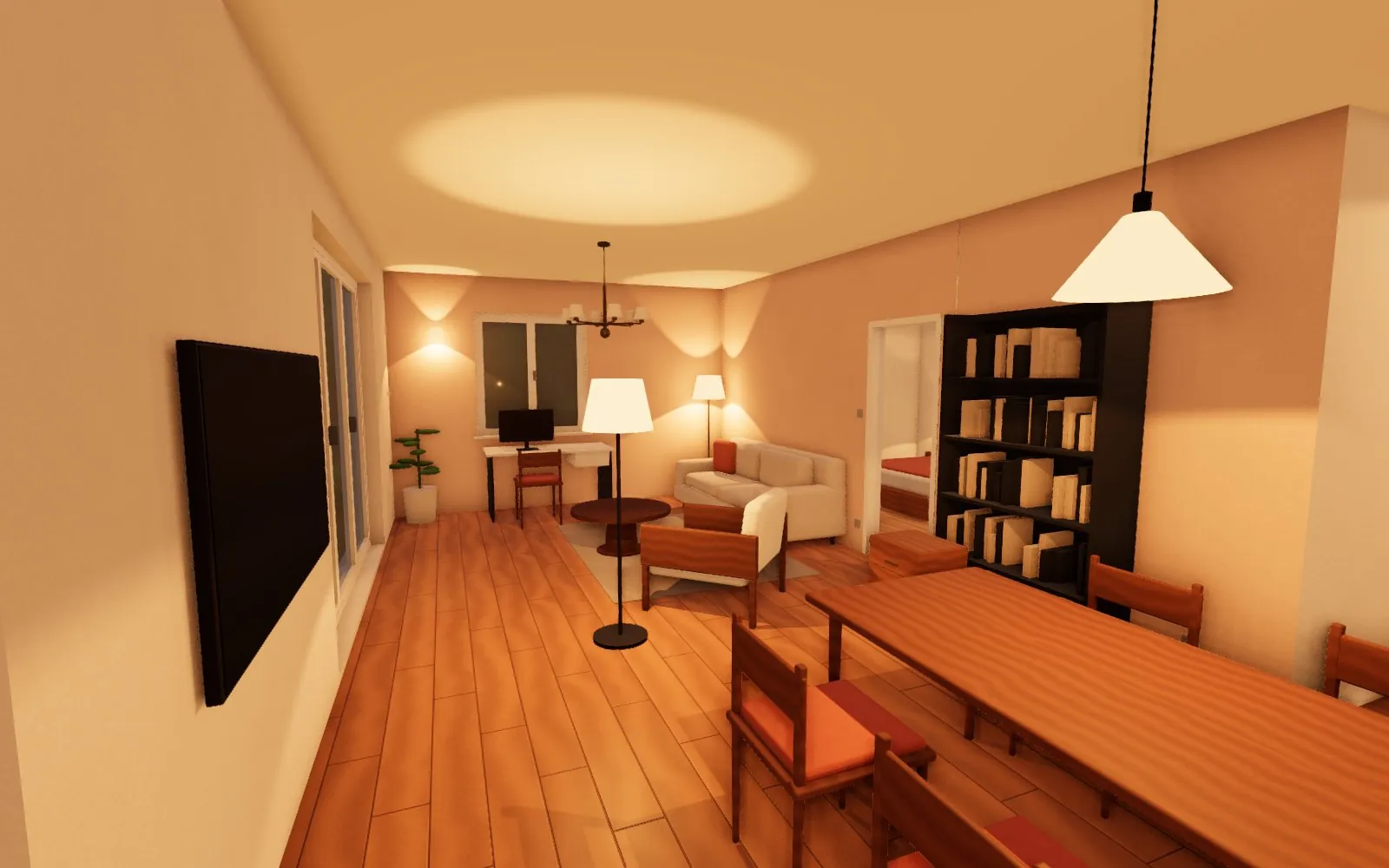
On a computer and phone
In the Interior, click the button with a figure in the bottom left, or press P. Walk with WASD or the arrow keys and look around with the mouse — or with your finger on a phone. You can't walk through walls or wardrobes; a click opens doors and windows and a switch turns on the light.
In a Meta Quest headset
- open bytopie.cz in the headset's browser and click the VR button in the bottom left
- the trigger aimed at the floor teleports you; at a door or switch it opens it or turns on the light
- the left thumbstick walks where you look, the right one turns in 30° steps
- the A or X button puts the flat in front of you as a model on a table — walk around it, rotate it, zoom in and jump into any room
Which headsets
Bytopie runs in the browser via WebXR, nothing to install. It has been tested on Meta Quest 2; Quest 3, Pico and PC headsets in Chrome or Edge should work the same. The controls assume controllers with thumbsticks.